
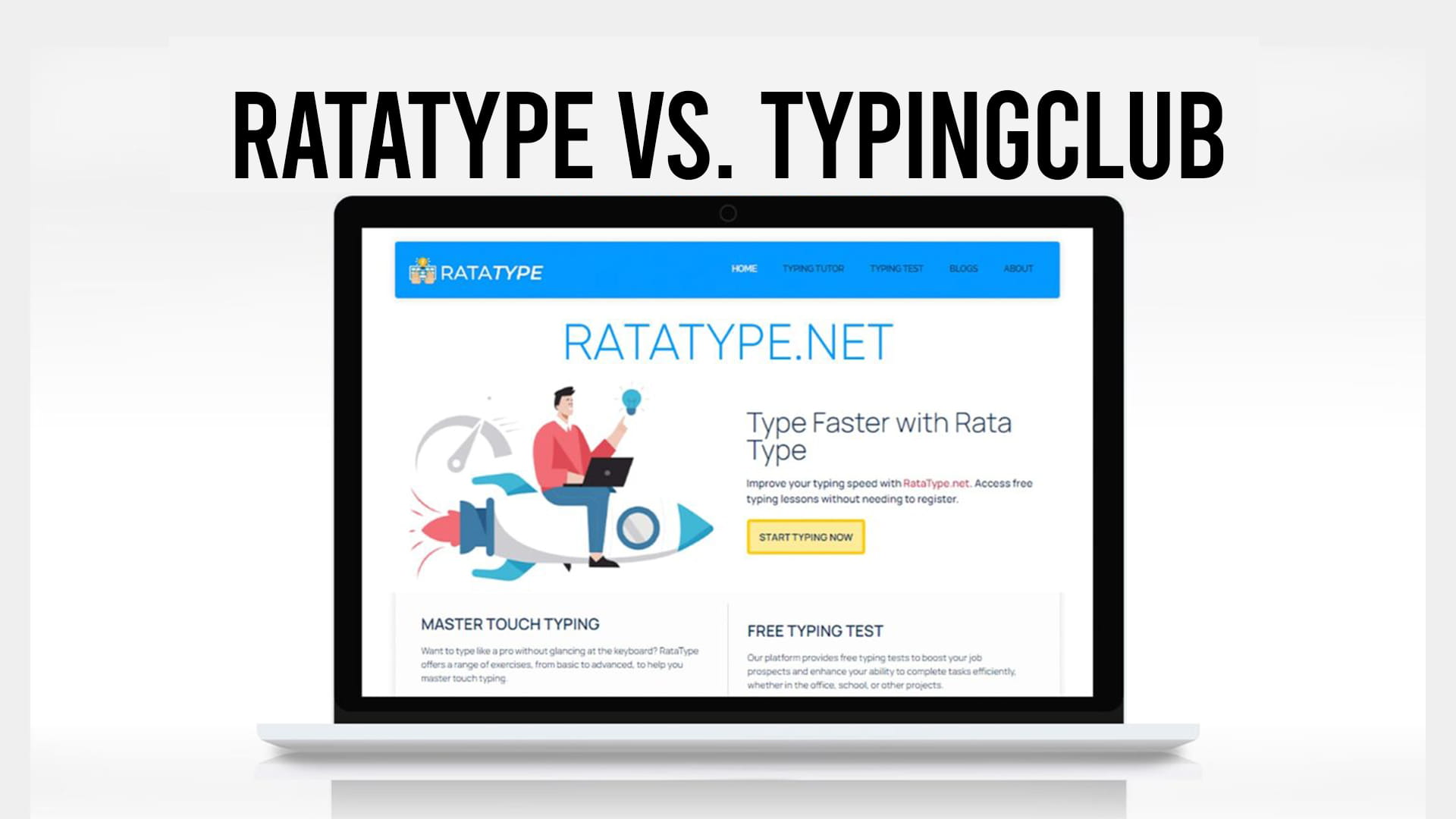
These two are actually competing, which makes this a more useful comparison than most. Both teach touch typing from zero. Both run in a browser. Both are free. The difference is who they were built for.
TypingClub was designed for classrooms and it shows in every design decision. Ratatype was designed for a person sitting alone who wants to type faster and possibly prove it to an employer. Neither is wrong. They just optimize for different things.
Short version: TypingClub if you want the most thorough curriculum available and don’t mind a slow ramp. Ratatype if you want to get moving quickly, you’re an adult with limited patience for star ratings, or you need a certificate without creating an account.
What TypingClub does well
The curriculum depth is the headline. The main Typing Jungle course runs past 600 lessons, starting at individual key recognition and building toward a 75 WPM target, with instructional videos and games mixed into the sequence. Nothing else free comes close on sheer volume.
The virtual hands feature is genuinely good. As you type, an on-screen hand shows which finger should be hitting the current key, which is the single most useful thing a beginner platform can do. There’s a one-hand guide too, and the accessibility work overall is stronger than anything else in this category.
There are also courses for Dvorak and Colemak layouts, plus full lesson plans in Spanish, French, German, and several other languages. Grade-specific courses exist for schools working to curriculum standards.
You don’t need an account to start, though you’ll want an optional profile to save progress.
Where TypingClub gets frustrating
The free version carries ads. Not aggressive ones, but they’re there, and for younger learners that’s a real objection. Removing them means the paid School Edition.
Several features people assume are standard sit behind that paid tier: session playback, advanced reporting, parent emails, and configurable certificates. If your reason for learning to type is a job application, the certificate being a paid classroom feature is an awkward surprise.
The pacing is the bigger issue for adults. Five stars per lesson, hundreds of lessons, a lot of repetition before you’re allowed to move on. That structure works beautifully on a nine-year-old in a computer lab. On a 34-year-old who types 38 WPM with four fingers and wants to fix it, it can feel like being sent back to primary school.
What Ratatype does differently
The lesson path is leaner. It starts with the home row keys and adds letters as your accuracy holds, without hundreds of gated stages between you and useful practice. You reach real words and real sentences sooner. Some people will consider that less thorough. Adults rebuilding technique tend to consider it a relief, which is why typing lessons aimed at adults are worth looking at separately from anything designed around a classroom.
The certificate is the clearest practical difference. Finish the test on Ratatype and you can download a typing certificate without registering, showing your speed and accuracy. No account, no email address, no paid tier. On TypingClub, certificates are a School Edition feature that a teacher configures.
Teachers can still create groups on Ratatype and follow a class, so the classroom use case isn’t absent. It’s just simpler than TypingClub’s school portal, which supports roster imports, Clever integration, and nightly SFTP uploads. If you’re running a district, that gap matters. If you’re one teacher with 28 students, it probably doesn’t.
Side by side
| Ratatype | TypingClub | |
|---|---|---|
| Lesson count | Focused sequence | 600+ in the main course |
| Finger guidance | Yes | Yes, with animated virtual hands |
| Pace | Faster to real typing | Slow, five-star gating |
| Ads on free tier | No | Yes |
| Certificate | Free, no registration | Paid School Edition feature |
| Registration to start | Not required | Not required, optional profile |
| Alternative layouts | QWERTY focus | Dvorak and Colemak courses |
| Classroom tools | Group creation | Full school portal, rosters, integrations |
| Progress playback | No | Paid tier |
| Cost | Free | Free, optional paid School Edition |
Who should pick which
Pick TypingClub if you’re a school or a parent teaching a child, you want the most complete curriculum in existence, you type on Dvorak or Colemak, or you need accessibility features like one-hand guides.
Pick Ratatype if you’re an adult fixing bad habits, you want to be typing sentences by the end of week one rather than week three, or you need a certificate today without handing over an email address.
Honestly, running both is fine. TypingClub’s virtual hands are worth using during the first week when finger assignments haven’t stuck yet. Ratatype’s test and certificate are worth using when you want to check where you’ve landed.
One caveat on certificates generally, from either platform: most employers re-test you themselves. A certificate gets your resume taken seriously and gives a recruiter a number to look at. It rarely replaces their own assessment, so don’t stop practicing once you have one.
Ratatype.net keeps lessons and tests free with no registration required, so trying the first few lessons costs nothing and tells you quickly whether the pace suits you better than TypingClub’s.