Every list of kids’ typing apps recommends Nitro Type. Most of them recommend it to parents whose seven-year-old has never touched a keyboard, which is roughly like handing a bike racer’s jersey to someone who hasn’t learned to balance yet.
Nitro Type is a racing game for children who already type. It doesn’t teach anything. That distinction runs through this whole category, and getting it wrong is why a lot of kids spend three months on typing practice and come out still pecking with two index fingers.
Short version: ages 5 to 7 need keyboard familiarity, ages 7 to 10 need a structured course, and ages 10+ can use games and races to build speed on top of technique they already have.
Ages 5 to 7: keyboard familiarity, not touch typing
Small hands can’t span the home row properly, so formal touch typing at this age often builds habits you’ll undo later. The goal is simpler: know where the letters live, connect uppercase to lowercase, and use the spacebar with a thumb instead of reaching for the mouse.
Keyboarding Zoo does exactly this. Kids press letters to help cartoon animals, and there’s no speed pressure at all.
TypingClub’s Jungle Junior course is built for young learners specifically, with a gentler ramp than the main course.
Fifteen minutes twice a week is plenty here. Any more and you’re just making a five-year-old dislike keyboards.
Ages 7 to 10: the structured course years
This is when touch typing actually sticks, and it’s the age where app choice matters most.
BBC Dance Mat Typing is still the friendliest free starting point after all these years. Four levels, twelve stages, animated animals, songs, and a genuinely sound teaching order that adds keys incrementally. It runs in the browser with no account and no download. Two known drawbacks: it doesn’t save progress, and you can’t skip the singing, which becomes a factor if your child repeats a level.
TypingClub is the most complete free curriculum going. Animated virtual hands show which finger belongs on which key as the child types, and the star system gives them a reason to repeat lessons. Free, though the free tier shows ads and certificates are a paid School Edition feature.
Typing.com covers similar ground with a parent or teacher dashboard showing WPM, accuracy, and lesson-by-lesson results. Free tier carries ads and limited data retention.
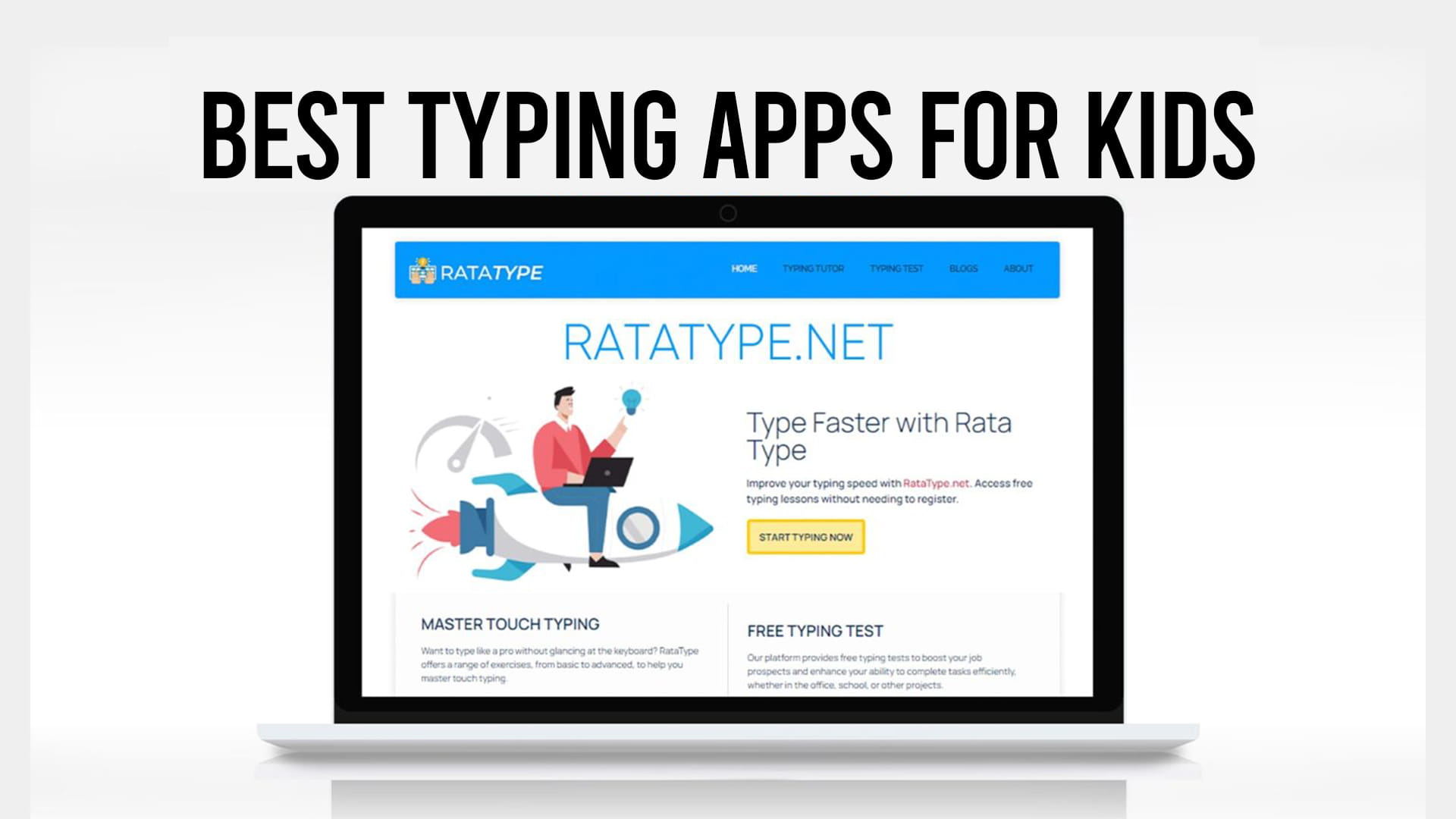
Ratatype is the leaner option, and it’s a good fit if ads are the thing driving you up the wall. It runs a focused lesson sequence with no advertising and no signup wall, teachers can set up groups, and kids get a certificate at the end without anyone creating an account. For a child motivated by having something to show for the work, that certificate does a surprising amount of heavy lifting.
Keyboarding Without Tears is the paid pick, from the same people behind Handwriting Without Tears. It’s built on occupational therapy research and the practice passages carry actual educational content rather than nonsense sentences. Around $10 a year per grade level, no free version.
Ages 10 and up: speed and motivation
Once the technique is there, the problem changes from teaching to sustaining interest.
Nitro Type turns typing into multiplayer car racing with progression and unlockables. Extremely effective motivation. Teaches nothing to a beginner, so make sure the fundamentals landed first.
TypeTastic offers gamified practice across a wide age range, free with ad-supported basic play.
Turtle Diary runs multiplayer matches and grade-aligned lessons with printable certificates.
Plain typing games for kids are worth keeping in rotation even for a child working through a course. Ten minutes of a game after a lesson tends to keep the whole thing from feeling like homework.
Comparison
| App | Age range | Cost | Teaches from scratch | Ads |
|---|---|---|---|---|
| Keyboarding Zoo | 5-7 | Free | Letter recognition only | Varies |
| Dance Mat Typing | 6-10 | Free | Yes | No |
| TypingClub | 6-16 | Free, paid school tier | Yes | Yes on free |
| Typing.com | 6-16 | Free, paid tier | Yes | Yes on free |
| Ratatype | 8+ | Free | Yes | No |
| Keyboarding Without Tears | 5-11 | ~$10/year | Yes | No |
| Nitro Type | 10+ | Free | No | Yes |
| TypeTastic | 5-18 | Free, paid upgrades | Partially | Yes on free |
What to look for, whichever you pick
Typing researchers and teachers tend to name the same handful of things: content matched to the child’s level, an absence of distracting ads, progress that saves so they can pick up where they stopped, and immediate feedback when a key is wrong.
Add one more. Watch whether the app ever shows finger placement. If it doesn’t, it’s a game, not a tutor, and games belong after the course rather than instead of it.
How fast should a child actually type?
Slower than you’d guess, and slower than most parents assume. Speed at this age is mostly a function of how long they’ve practiced, not talent, and pushing for a number tends to produce sloppy accuracy that has to be unwound later. Accuracy first is not a slogan here, it’s the whole method. If you want realistic benchmarks by age before setting any goals, the average typing speed for kids is a better reference point than comparing your child to an adult.
Common questions
What age should a child start typing? Around 6 or 7 for keyboard familiarity, 8 to 10 for proper touch typing. Hand size is the limiting factor before that.
How long should practice sessions be? Ten to fifteen minutes daily beats an hour on the weekend. Attention, not effort, is the constraint.
Free or paid? Free is genuinely sufficient. Paid options mostly buy you ad removal and reporting, not better teaching.
Will typing games alone work? No. Games build speed and motivation on top of technique. A child who only plays games learns to hunt and peck quickly, which caps out and then has to be unlearned.
The broader case for starting early is worth reading if you’re deciding whether this belongs in your homeschool plan at all, since typing matters more for students now than it did when handwriting still dominated schoolwork.
Ratatype offers free typing lessons with no registration required, so you can put a child in front of the first lesson tonight and see whether the format holds their attention before committing to anything longer.