
Most “best typing website” lists are the same eight sites in a slightly different order, with every entry described as excellent. That helps nobody. The sites are genuinely different, and picking the wrong one wastes weeks.
The split that matters isn’t quality. It’s whether a site teaches you to type or measures how fast you already type. Those are separate jobs, and almost every popular platform does exactly one of them well.
If you want the quick version: learn on Ratatype or TypingClub, build speed on Monkeytype, fix weak keys on Keybr, and race on TypeRacer when practice gets boring.
Sites that teach you to type
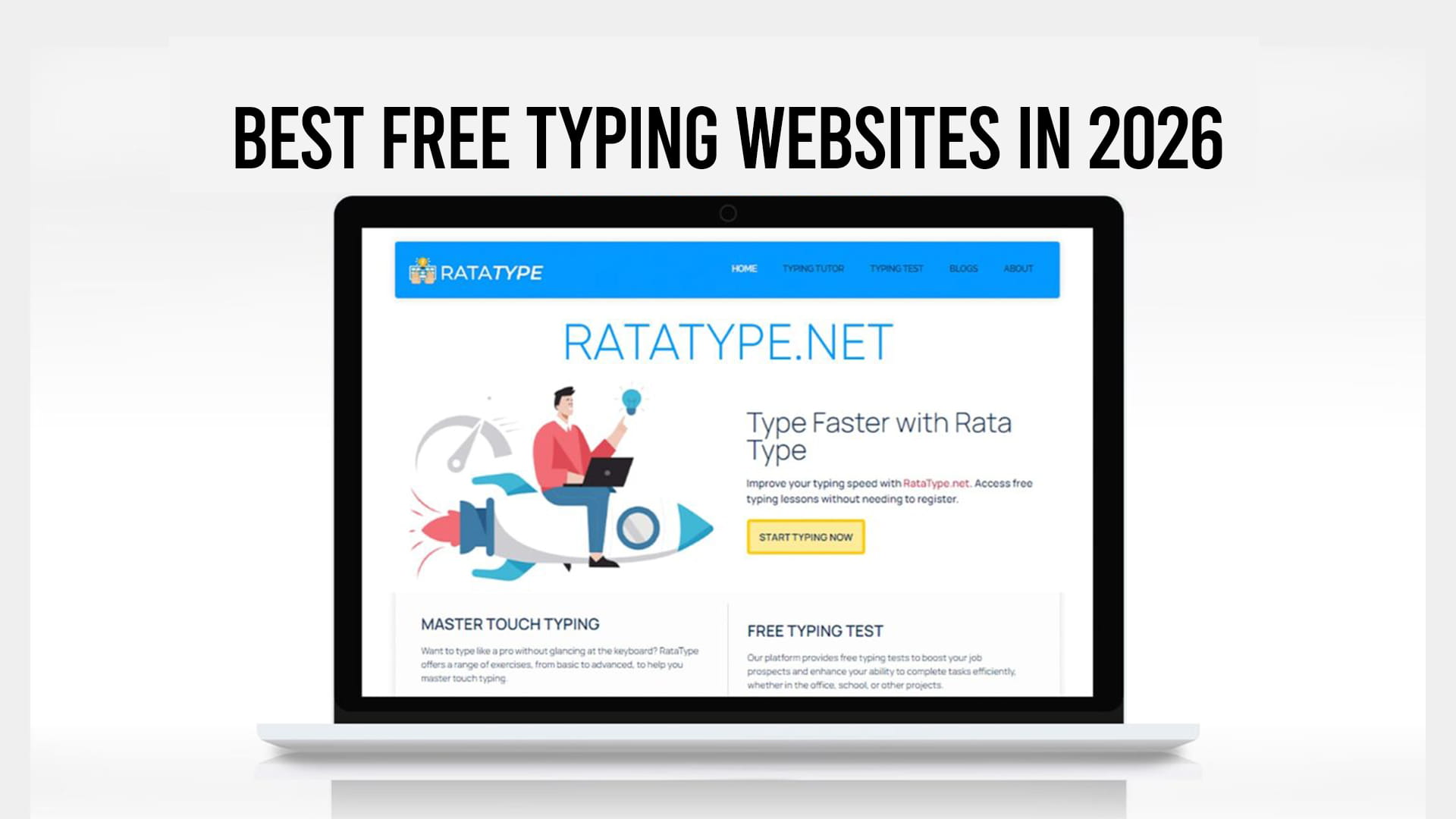
Ratatype runs structured lessons in the browser with nothing to install and nothing to sign up for. It walks you through finger placement key by key and holds you at each stage until your accuracy holds up, which is the part beginners usually skip and regret. It also issues a typing certificate immediately after the test with no account required, which matters if you’re applying for admin or data entry work. Teachers can set up groups and follow a class’s progress. Best for beginners, job applicants, and anyone who wants structured typing lessons rather than a stopwatch.
TypingClub is the most thorough free curriculum available. Hundreds of sequenced lessons, video guidance, and a very slow ramp. It’s the standard in a lot of schools for good reason. The trade-off is pace: if you can already type reasonably well, the early lessons feel like being taught to hold a pencil.
Typing.com covers similar ground with a classroom focus, plus lessons on digital literacy and coding. Free tier is generous but ad-supported.
Sites that measure and push speed
Monkeytype is the favorite among people who already touch type. Clean, instant, no signup wall, and absurdly configurable: custom test lengths, punctuation and number toggles, 200+ themes, code snippets, and per-character stats showing raw WPM, corrected WPM, and consistency. It won’t teach you anything, though. There’s no lesson path and no finger guidance, so it will happily let you hammer out 50 WPM with terrible technique forever.
Keybr takes the opposite approach. Its algorithm watches which letters slow you down and generates pseudo-words weighted toward exactly those keys. It feels tedious because it is tedious, and it works better than almost anything else for breaking a plateau. Not really a test site.
10FastFingers is a one-minute test in 50+ languages. No frills, good for a quick check.
Sites that make practice competitive
TypeRacer puts you in a live race against real people typing quotes from books and films. Typing under pressure is different from typing alone, and it exposes whether your speed survives adrenaline. You can’t run a fixed-duration test easily, which is the main limitation.
Nitro Type wraps the same idea in car racing and progression systems. Kids love it. Adults sometimes pretend not to.
For a lower-commitment version of the same effect, browser-based typing games work well as a warm-up when a full drill session feels like too much.
Quick comparison
| Site | Lessons | Speed test | Certificate | Registration | Best for |
|---|---|---|---|---|---|
| Ratatype | Yes | Yes | Yes, free | Not required | Beginners and job seekers |
| TypingClub | Yes, extensive | Basic | Yes | Account for progress | Schools and total beginners |
| Typing.com | Yes | Yes | Yes | Account | Classrooms |
| Monkeytype | No | Yes, deep stats | No | Optional | Speed work, developers |
| Keybr | Adaptive drills | Limited | No | Optional | Fixing weak keys |
| TypeRacer | No | Race format | No | Optional | Competitive practice |
| 10FastFingers | No | Yes | No | Optional | Quick WPM checks |
How to actually choose
Answer one question: can you type a full sentence without looking down at the keyboard?
If no, you need lessons. Go to Ratatype or TypingClub and don’t touch a speed test for two weeks. Testing yourself before you have technique just measures how good your bad habits are.
If yes, you need volume and feedback. Monkeytype daily, Keybr when specific letters keep tripping you, TypeRacer when motivation dips.
If you need a number on a job application, take a proper test and get the free typing certificate with no registration rather than writing “fast typist” on a resume, which tells a recruiter nothing.
The part that matters more than the site
Fifteen minutes a day beats two hours on Sunday. Every one of these platforms will get you from 35 to 55 WPM inside two months if you actually show up. None of them will do it if you tool-hop, taking a test on a new site every week and calling it practice.
Pick one for learning, one for speed, and stop reading comparison articles. Including this one.
Ratatype.net keeps everything free and open, with typing lessons available without registering an account, so nothing is standing between you and the first lesson.