
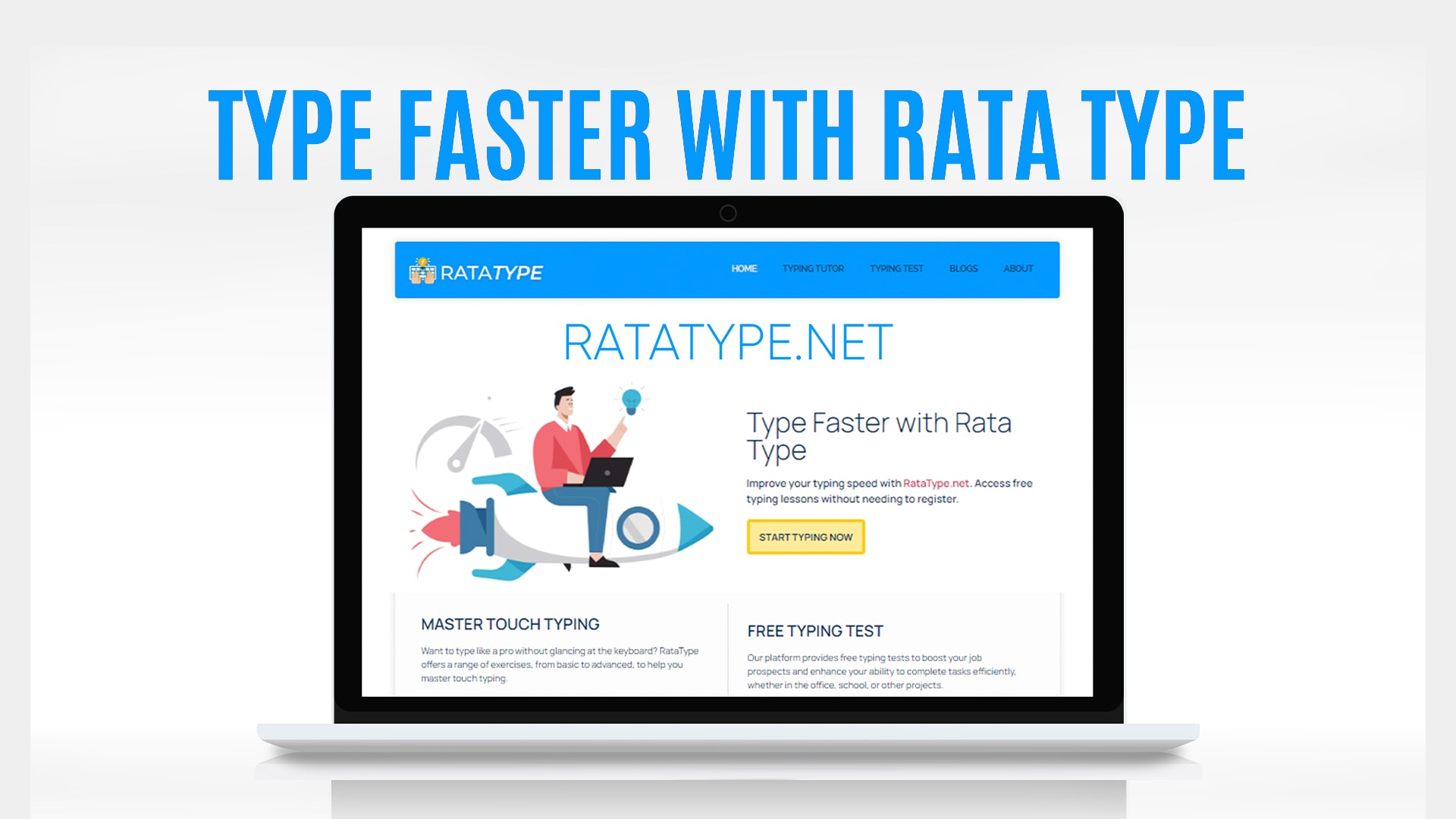
If you’ve ever wondered how to improve your typing speed and accuracy, TypingTest is here to help. This online platform offers a user-friendly touch typing tutor and lessons that cater to all skill levels. Whether you’re a beginner or looking to refine your skills, TypingTest provides the tools you need to become a typing master. Plus, you can even earn a free certificate to showcase your skills—no registration required. Let’s dive into how TypingTest can transform your typing experience.
TypingTest – Online Touch Typing Tutor and Typing Lessons
Typing is an essential skill in today’s digital world, and TypingTest makes learning it simple and enjoyable. As an online touch typing tutor, TypingTest offers structured lessons that guide you through the process of mastering the keyboard. Touch typing, the ability to type without looking at the keyboard, is a game-changer for productivity and efficiency.
Why choose TypingTest?
Interactive Lessons: TypingTest’s lessons are designed to keep learners engaged while gradually improving their speed and accuracy.
Step-by-Step Guidance: The platform introduces new keys and techniques systematically, ensuring that you don’t feel overwhelmed.
Progress Tracking: You can monitor your improvement over time, making it easy to identify areas where you need more practice.
With TypingTest, you can learn at your own pace, making it perfect for students, professionals, and anyone who wants to enhance their typing skills.
TypingTest – Online Typing Master With Lessons
For those aiming to become a true typing master, TypingTest is the ultimate solution. It combines easy-to-follow lessons with advanced techniques that help you achieve professional-level typing skills.
Features of TypingTest’s Typing Master Program:
Customizable Lessons: Tailor your learning experience based on your current skill level.
Typing Challenges: Test your abilities with fun and challenging exercises that mimic real-world typing scenarios.
Error Analysis: TypingTest identifies your most common mistakes, helping you correct them and improve your accuracy.
By committing to TypingTest’s typing lessons, you’ll gain the confidence to type faster and more accurately, regardless of the task at hand.
How Do I Get 100% WPM Typing Speed?
Achieving 100 words per minute (WPM) may sound daunting, but it’s entirely possible with the right approach and consistent practice. Here are some tips to help you reach this milestone:
Practice Regularly: Consistency is key. Dedicate at least 15-20 minutes daily to typing practice on TypingTest.
Focus on Accuracy: Speed will come naturally as you improve your accuracy. Avoid rushing through lessons; instead, concentrate on typing correctly.
Use All Fingers: Touch typing involves using all your fingers efficiently. Follow TypingTest’s lessons to learn proper finger placement.
Eliminate Distractions: Practice in a quiet environment to improve focus and minimize errors.
Challenge Yourself: Use TypingTest’s typing tests to push your limits and gradually increase your speed.
With persistence and the tools provided by TypingTest, you’ll be able to achieve 100% WPM in no time.
How Can I Type Faster in Typewriting?
Typing faster isn’t just about moving your fingers quickly; it’s about developing good habits and using the right techniques. Here’s how TypingTest can help you improve:
Learn Proper Posture: Sit up straight, keep your wrists elevated, and ensure your keyboard is at a comfortable height.
Memorize the Keyboard: TypingTest’s touch typing lessons teach you to locate keys without looking, which significantly boosts speed.
Practice Regularly: Daily practice sessions on TypingTest will reinforce muscle memory and improve your typing fluency.
Avoid Overthinking: Trust your instincts and let your fingers flow naturally over the keyboard.
Review Your Progress: Use TypingTest’s analytics to see how far you’ve come and where you can improve further.
By following these steps and utilizing TypingTest’s resources, you’ll notice a significant improvement in your typing speed and efficiency.
How to Pass a 1-Minute Typing Test
Passing a 1-minute typing test requires both speed and accuracy. Here’s how you can excel:
Warm Up: Before starting the test, spend a few minutes practicing to get your fingers warmed up.
Focus on Accuracy: Aim to type correctly rather than quickly, as errors can lower your score.
Read Ahead: Glance at the upcoming words to prepare mentally for what’s next.
Stay Calm: Avoid panicking if you make a mistake. Correct it quickly and move on.
Practice with TypingTest: TypingTest’s typing tests simulate real-world scenarios, giving you the confidence to perform well in timed tests.
With consistent practice on TypingTest, passing a 1-minute typing test will become a breeze.
Typing Practice – Typing Master
Typing practice is essential for anyone looking to improve their keyboarding skills. TypingTest’s Typing Master feature is designed to make practice both effective and enjoyable. Here’s why it stands out:
Diverse Exercises: Practice typing letters, words, and paragraphs to build your skills gradually.
Real-World Applications: The exercises are tailored to mimic real-life typing tasks, such as writing emails or creating documents.
Immediate Feedback: Receive instant feedback on your performance, helping you correct mistakes in real time.
Whether you’re a student preparing for exams or a professional looking to boost productivity, TypingTest’s Typing Master feature has everything you need.
TypingTest Typing Test – TypingTest Certificate
One of TypingTest’s standout features is its typing test, which allows you to measure your speed and accuracy. After completing the test, you can earn a free typing certificate without any registration. This certificate is a great way to showcase your typing skills to potential employers or track your progress.
Why Take the TypingTest Typing Test?
Benchmark Your Skills: See where you stand and identify areas for improvement.
Earn Recognition: The certificate is a tangible proof of your typing abilities.
No Strings Attached: Unlike other platforms, TypingTest offers this service completely free, without registration.
The certificate is a confidence booster and a valuable addition to your resume or portfolio.
What is TypingTest, and how does it work?
TypingTest is an online touch typing tutor offering free lessons and typing tests. It helps users improve typing speed and accuracy through structured exercises and provides a free certificate upon test completion.
How can I earn a free typing certificate with TypingTest?
To earn a free typing certificate, simply take the TypingTest typing test. There’s no registration required, and the certificate is awarded based on your performance.
How do I increase my typing speed and accuracy?
You can improve by practicing regularly with TypingTest, focusing on accuracy first, using proper finger placement, and eliminating distractions during practice sessions.
Is touch typing faster than regular typing?
Yes, touch typing is significantly faster as it involves using all fingers and not looking at the keyboard. TypingTest’s lessons teach you how to master touch typing effectively.
What is a good WPM score, and how can I achieve it?
A good WPM score is typically around 40-60 for the average typist, but 80+ is excellent. Consistent practice with TypingTest, focusing on both speed and accuracy, can help you achieve a high WPM.
Discover the Joy of Typing with TypingTest
TypingTest is more than just a typing platform; it’s a comprehensive learning tool that helps you unlock your full potential. With its user-friendly interface, engaging lessons, and free certification, TypingTest stands out as a top choice for anyone looking to improve their typing skills.
Start your journey today with TypingTest and experience the difference for yourself. Whether you’re aiming for 100% WPM, preparing for a typing test, or simply looking to type faster, TypingTest has got you covered.