Typing.com has been the default typing platform in a lot of American schools for years. If you learned keyboarding in a computer lab any time recently, there’s a decent chance this is the site you used, ads and all.
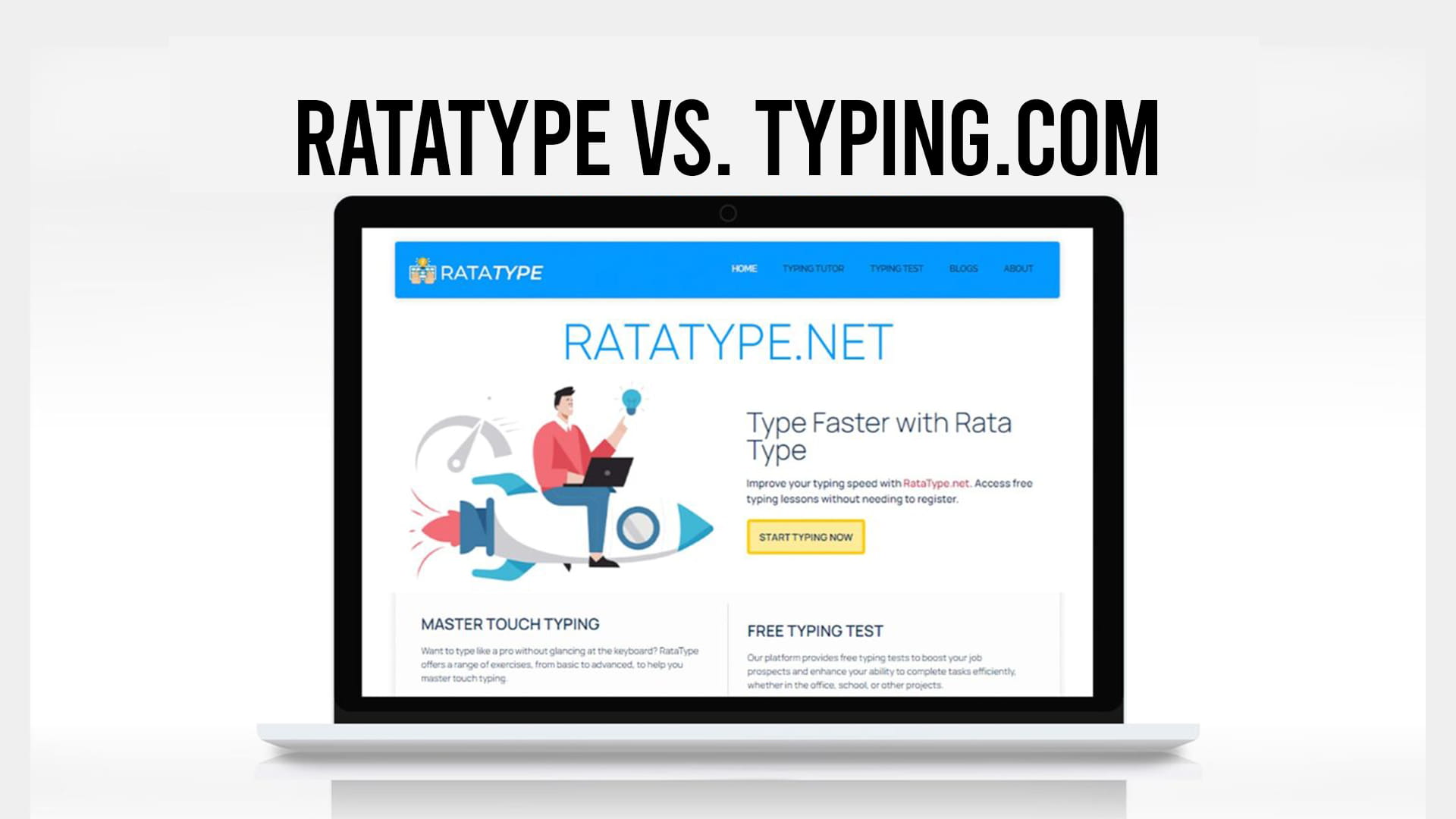
Ratatype comes at the same problem from the individual’s side. Both teach touch typing. The question is whether you’re a teacher with a roster or a person with a keyboard.
Short version: Typing.com if you’re running a class and want dashboards, standards alignment, and digital citizenship lessons bundled in. Ratatype if you’re learning on your own and want fewer ads, a faster start, and a certificate without an account.
What Typing.com is good at
The classroom tooling is the strongest part. Teachers get a dashboard for creating classes, assigning lessons, tracking WPM and accuracy per student, and pulling reports. It plugs into Google Classroom, Clever, and ClassLink, so onboarding thirty students takes minutes rather than an afternoon. Parents and homeschoolers can open a free teacher account too, without any school affiliation.
The curriculum is complete and aligned to ISTE and Common Core standards, which matters if you have to justify your tool choice to an administrator. Lessons run from key placement through words, sentences, punctuation, numbers, and longer passages.
The extras are unusual for a typing site. Digital citizenship modules covering online safety, an introduction to coding, and career awareness content are all included free. Quality varies module to module, but for a school ticking off digital literacy requirements, having it bundled is genuinely useful.
The trade-offs
Ads. The free tier carries banner ads and video interruptions, and this is the complaint that comes up most often in reviews, especially from teachers watching younger students get distracted mid-lesson. Removing them means the paid tier, now called Typing.com PLUS, which also adds coding units, creative writing exercises, and individual lesson assignments.
Data retention on the free plan is limited, with student activity reportedly kept for around 70 days. If you’re tracking a full academic year, check that before you build a semester around it.
For adults, the bigger problem is fit. The whole presentation is school-shaped, and the pacing assumes a student who has never typed. If you already sit around 35 or 40 WPM and just want to stop hunting for keys, the lessons get repetitive fast.
Certificates exist and can be printed after tests or lesson completion, but they’re completion records rather than anything a recruiter treats as credentialed proof.
Where Ratatype differs
No ads and no signup wall. You open the site and start, which sounds trivial until you’ve watched a lesson get interrupted by a banner.
The lesson sequence is tighter, aimed at getting you typing real text quickly rather than working through a K-12 scope and sequence. That’s the right call if you’re an adult correcting technique and the wrong call if you’re a third-grade teacher who needs grade-level content.
The certificate is free and requires no registration, which is the reason a lot of job seekers land on Ratatype specifically. Whether a certificate helps depends on the role, but it beats writing “proficient typist” on a resume with nothing behind it.
Ratatype also has group functionality for teachers, plus typing games, so the classroom case isn’t unsupported. It’s just lighter than a full school portal with roster syncing.
Side by side
| Ratatype | Typing.com | |
|---|---|---|
| Ads on free tier | None | Yes, removed on paid tier |
| Registration to start | Not required | Account needed for progress |
| Certificate | Free, no account | Printable completion certificate |
| Curriculum scope | Focused touch typing course | Full K-12 keyboarding curriculum |
| Standards alignment | No | ISTE and Common Core |
| Extra subjects | Typing only | Digital citizenship, coding basics |
| Teacher tools | Group creation | Dashboards, reports, Clever and Google Classroom |
| Data retention (free) | Progress saved on the platform | Limited, around 70 days |
| Best audience | Adults, job seekers, self-learners | Schools, homeschools, K-12 students |
| Cost | Free | Free with ads, paid PLUS tier |
Choosing between them
If you’re teaching a class, especially in a school that reports against standards, Typing.com is the more sensible pick and the classroom tooling justifies tolerating the ads. Its case gets stronger if you also want the digital citizenship content, and stronger still if your school can cover the small per-student cost to strip the advertising out. Typing for teachers and classrooms is a different problem from typing for yourself, and it needs different tools.
If you’re an adult, Ratatype will waste less of your time. The specific case where this matters most is if you’ve been typing for years with three or four fingers. That’s a technique rebuild, not a beginner course, and it’s worth understanding why hunt and peck caps your speed before you commit to any platform’s lesson path.
For a child at home, either works. Typing.com gives you more structure and a parent dashboard. Ratatype gives you fewer interruptions, which for some kids is the deciding factor. If you’re setting up a younger learner, free typing lessons for kids will tell you whether the format holds their attention before you enroll them in anything longer.
Whatever you pick, the boring advice still applies. Fifteen minutes a day for six weeks beats an elaborate platform you open twice.
Ratatype.net offers free typing lessons with no registration, so you can test the format tonight and decide from experience rather than a comparison table.