You might think that with voice assistants and AI writing tools everywhere, typing speed no longer matters. It does. A lot.
Developers write and edit code all day. Content writers churn out thousands of words weekly. Customer support agents live inside text boxes. Remote workers type in meetings, in chats, in emails — constantly. Even students who think they can get away with two-finger typing eventually hit a wall.
The faster and more accurately you type, the more you get done. It really is that simple.
The average person types around 40 words per minute. A professional typist or a skilled office worker typically sits at 65–80 WPM. Some competitive typists break 120 WPM or more. The gap between 40 WPM and 80 WPM is not just a number — it is the difference between spending four hours on written work versus two.
This is exactly why typing speed tests exist. And now, with AI-powered tools entering the picture, the whole experience of learning, testing, and improving your typing has changed in a meaningful way.
What Is an AI-Powered Typing Speed Test?
A regular typing speed test gives you a passage of text, times you as you type it, and tells you your WPM (words per minute) and accuracy percentage. That has been around for decades.
An AI-powered typing speed test goes further.
Instead of serving the same fixed text to everyone, AI adapts the test to you. It can identify which letters, combinations, or patterns consistently trip you up. If you keep mistyping “th” or stumbling on the letter “q,” the system notices and adjusts your next exercise accordingly. You spend more time on your weak spots and less time rehearsing things you already do well.
This kind of personalized feedback loop is where AI genuinely adds value in typing practice. It is not about buzzwords — it is about getting better results from the same amount of practice time.
Introducing AI Typing Master
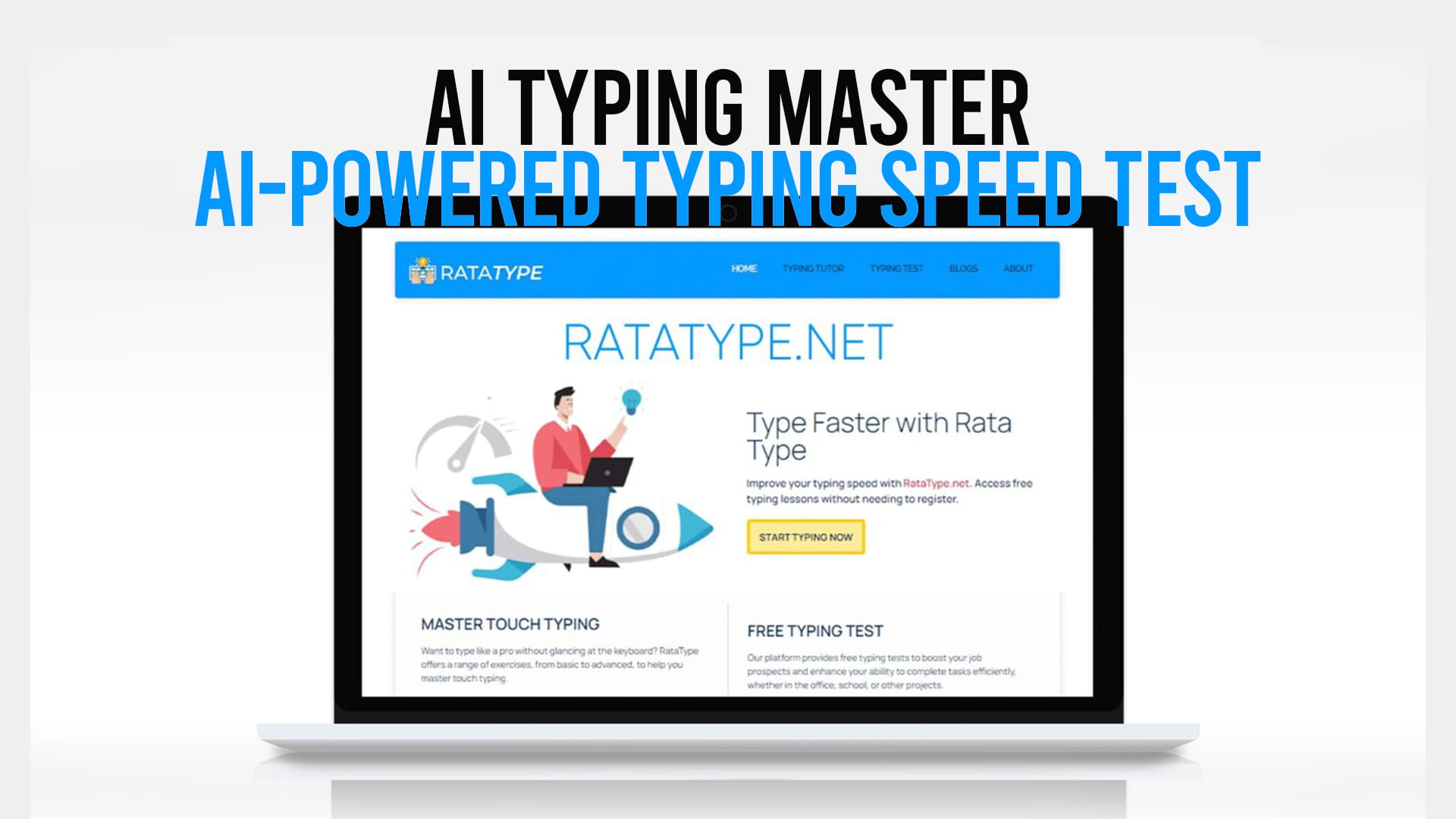
AI Typing Master is an AI-enhanced typing tool built for people who want to go beyond just measuring their current speed. The focus is on improvement — real, trackable improvement — through intelligent practice.
Here is what makes it different from just opening a random typing timer online:
Adaptive difficulty. The system observes where you make errors and where you slow down. It then adjusts the content and exercises to target those specific gaps. This matters because practicing words you already type fast is largely a waste of time.
Real-time feedback. As you type, you see your accuracy and speed. You are not waiting until the end of the test to find out whether you were sloppy.
Progress tracking. Over multiple sessions, you can see whether your WPM is going up, whether your error rate is dropping, and how your consistency looks across different content types.
Variety of test formats. Short tests for a quick check-in, longer tests for focused practice, custom text if you want to practice specific material relevant to your work.
Simple interface. No clutter. The typing area is clean and distraction-free. The tool does not try to do ten things at once.
This is the kind of tool that works equally well for a high school student preparing for data entry work and a software engineer who wants to stop losing time to slow typing.
How to Use an AI Typing Speed Test Effectively
Taking a typing test is easy. Actually improving because of it takes a little more thought.
Start with an honest baseline. Do not warm up for ten minutes before your first test. Take a cold test to see where you genuinely stand. Your “comfortable” typing speed without pressure is your real starting point.
Pay attention to accuracy first, speed second. Many people try to go fast and accept a lot of errors. This is bad practice. Accuracy builds the muscle memory for correct finger placement. Speed comes naturally afterward. If your accuracy drops below 95%, slow down.
Practice in short, focused sessions. Fifteen to twenty minutes of deliberate practice is better than an hour of mindless repetition. The goal is concentration, not endurance. When your attention drifts, stop and come back later.
Target your problem keys. If you always fumble with the number row or struggle with capitals, find exercises that force you to use those keys frequently. AI Typing Master’s adaptive system does a lot of this for you automatically, but awareness helps.
Type the test content as if it is real work. Some people get into “test mode” where their habits change. Try to maintain the same posture, finger placement, and rhythm you would use for actual work. That way, your test results reflect your real working speed.
Retest regularly. WPM improvements can be slow to notice week-to-week. Track over a month. You will see the progress more clearly with a longer view.
Get a Free Typing Certificate at Ratatype
One thing worth knowing: Ratatype offers a free typing certificate — and you do not need to register to get it.
That is actually unusual. Most platforms that offer any kind of certification either put it behind a paywall or require you to create an account first. Ratatype gives it away for free. You take the typing test, you reach the qualifying speed and accuracy, and the certificate is yours.
This matters for a few practical reasons.
If you are applying for jobs — data entry, transcription, administrative work, customer support — having a verifiable typing certificate adds something concrete to your application. Employers in these fields do ask about typing speed, and a certificate is more credible than writing “70 WPM” on a resume with nothing to back it up.
If you are a student, a freelancer, or just someone who wants proof of progress, the certificate gives your practice a goal. “I want to earn the certificate” is more motivating than “I want to type faster someday.”
The certificate from Ratatype is real and downloadable. You can share it digitally or print it out.
To get started, visit Ratatype and take the typing speed test for free. No account setup, no credit card, no waiting — just type and see where you stand.
WPM Benchmarks: Where Do You Stand?
Before you sit down for your first test, it helps to know what the numbers actually mean.
Under 30 WPM — Beginner level. Hunt-and-peck typists often fall here. There is significant room for improvement, but that is the good news — progress at this stage happens fast with even basic practice.
30–50 WPM — Below average for professional work. Functional, but slow enough that typing becomes a noticeable bottleneck during heavy written tasks.
50–70 WPM — Average to slightly above average. This is where most office workers land. Comfortable for everyday tasks, though there is still meaningful room to improve.
70–90 WPM — Proficient. This range is what many employers in typing-heavy roles look for. It is fast enough that typing stops being a limitation and starts being an asset.
90–120 WPM — Advanced. At this level, your typing speed matches or exceeds your thinking speed for many tasks. You are not waiting on your fingers — you are waiting on your thoughts.
120+ WPM — Expert. Competitive typists, experienced writers, and coders who have spent years at a keyboard often reach this range. Getting here requires a serious, consistent practice habit.
If you test yourself on Ratatype and land at 45 WPM, do not be discouraged. A few weeks of focused daily practice can realistically push that to 60 or 65 WPM. The returns from practice are real.
Touch Typing: The Foundation of Speed
You cannot reliably break 70 or 80 WPM without learning touch typing. It is not impossible, but it is genuinely rare.
Touch typing means typing without looking at the keyboard. Each finger is responsible for a specific set of keys. Your index fingers rest on F and J — those are the home keys, the ones with the small raised bumps on most keyboards. From there, muscle memory takes over.
When you look at the keyboard while typing, you introduce a constant interruption between thinking and typing. Your eyes are doing two jobs at once — reading what is on screen and tracking the keys. Touch typing eliminates that split attention.
Learning touch typing properly takes a few weeks of awkward, slower-than-normal practice before the speed catches up. Most people who try give up during that uncomfortable phase. The ones who push through almost always say it was worth it.
AI Typing Master and Ratatype both support touch typing practice specifically. The lessons and tests are designed to reinforce correct finger positioning rather than just measuring raw output.
Typing for Different Professions
Typing is not a one-size-fits-all skill. Different jobs put different demands on your keyboard habits.
Writers and journalists need endurance — the ability to type continuously for long periods without accuracy dropping off. Their priority is high WPM with very low error rate, especially for words they use frequently.
Programmers and developers deal with a different challenge. Code involves a lot of special characters — brackets, semicolons, underscores, forward slashes — that most typing tests do not cover. Raw WPM on prose does not fully reflect a developer’s real workflow speed. That said, strong underlying typing fundamentals still make coding faster.
Data entry professionals are often evaluated strictly on WPM and accuracy under the pressure of repetitive input. Their benchmark is usually a minimum of 60–80 WPM with 98%+ accuracy.
Customer support and chat agents need to type fast under time pressure while reading and comprehending at the same time. Their typing speed directly affects how many customers they can help per hour.
Students benefit from faster typing in exams, note-taking, and written assignments. Many universities now allow laptops for exams. A student who can type quickly has a real advantage in time-pressured written assessments.
Whatever your field, Ratatype’s free typing test is a sensible starting point to establish where you stand and what you need to improve.
Common Typing Mistakes to Fix
Most people who plateau in their typing development are making one of a small number of recurring mistakes.
Looking at the keyboard. If you are still doing this, stop. Put a piece of paper over the keyboard if you need to. It will be slow and frustrating at first. That is normal. You are rewiring your muscle memory, and that takes time.
Tense posture. Stiff wrists, hunched shoulders, and tight forearms slow you down and increase the chance of strain injuries over time. Your wrists should float slightly above the keyboard. Your shoulders should be relaxed.
Banging the keys. Typing hard does not make you type faster. It tires your hands out and increases errors. Light, controlled key presses are faster and less tiring.
Not using all ten fingers. Some people use eight fingers but never touch the keyboard with their pinkies. Those two fingers cover a significant portion of the keyboard, including Shift, A, Z, P, and Enter. Ignoring them is like running a race with one shoe.
Skipping the review. After a test, look at which words caused the most errors. Practice those words specifically. Skipping this step means you practice the same mistakes over and over.
Why Ratatype Is Worth Your Time
There are dozens of typing test websites. Some are good, many are forgettable, and a few are cluttered with ads and distractions that make the experience unpleasant.
Ratatype stands out for a few honest reasons.
The interface is clean. There is no noise competing for your attention while you are trying to focus on the text in front of you. This matters more than it sounds — distractions have a measurable effect on typing performance.
The difficulty levels are sensible. Beginners can start with short, simple texts. More advanced users can work with longer and more varied content.
The free certificate is genuinely useful. It takes real effort to earn — you have to hit a qualifying threshold — which means it reflects actual ability. And the fact that it requires no registration makes it accessible to everyone.
The lessons are structured for real improvement. They are not random passages thrown at you. The content is sequenced to build skills systematically, from basic letter positioning to full-speed practice.
It supports multiple languages, which makes it useful for people who type in languages other than English.
And it is free to use. There is no feature wall that forces you into a paid subscription to access basic functionality. You can visit Ratatype, start typing immediately, and come away with measurable results.
Does Your Keyboard Matter?
Short answer: somewhat, but not as much as people think.
The keyboard you use does affect your typing experience. Mechanical keyboards, for example, give tactile feedback that many typists find helps them type more consistently and with less fatigue. Membrane keyboards are quieter and cheaper but some typists find them mushier and less responsive.
That said, the type of keyboard you use matters far less than your technique. A skilled typist at 90 WPM will still type at 90 WPM on a cheap laptop keyboard. A beginner at 35 WPM will still type at 35 WPM on a high-end mechanical board. Technique and practice drive improvement, not equipment.
A few keyboard habits do make a practical difference:
Key spacing. Standard full-size keyboards space keys in a way designed for touch typing. If you regularly switch between a full-size keyboard and a compact laptop keyboard, your muscle memory has to adjust slightly each time. Picking one layout and using it consistently reduces that friction.
Knowing your keyboard layout. Most people type on QWERTY. Some experienced typists switch to Dvorak or Colemak, which rearrange keys to reduce finger travel. These alternative layouts can feel more efficient for heavy typists, but the learning curve is steep and the benefit over a well-practiced QWERTY typist is debated. If you are just starting out, QWERTY is the right choice.
Keyboard position. Your keyboard should be at a height where your elbows are roughly at a 90-degree angle when your fingers rest on the home row. A keyboard that is too high strains your wrists. Too low, and you hunch forward. Small ergonomic adjustments make a surprisingly big difference during long typing sessions.
If you want to focus purely on building speed and accuracy, do not get distracted by gear research. A functional keyboard and Ratatype’s free typing practice are all you need to make real progress.
Setting a Realistic Typing Goal
Before you start practicing, it helps to define what “better” means for you specifically.
If you are a student who types around 35 WPM, reaching 55 WPM would make a noticeable difference in your day. That is a realistic 6–8 week goal with daily 15-minute sessions.
If you are a professional at 60 WPM, pushing to 80 WPM will have real impact on your productivity. That might take three months of consistent practice.
If you are already at 85 WPM and want to break 100, you are entering territory that requires focused and ongoing effort. That is a longer-term project, but still achievable.
Set a specific WPM target. Write it down. Test yourself every week at the same time of day under the same conditions. Track the trend rather than obsessing over individual results — single tests vary based on fatigue, focus, and the text difficulty on that particular day.
Final Thoughts
Typing speed is a skill. Skills improve with practice. The improvement is not mysterious or out of reach — it follows directly from how much focused practice you put in and how smart that practice is.
AI-powered typing tools change the equation a little by making practice smarter rather than just longer. When the system targets your weak points instead of having you drill things you already do well, you close gaps faster.
If you want a concrete place to start, Ratatype is a solid choice. It is free, it has no registration requirement, the certificate is real and downloadable, and the platform is built around actual improvement rather than just measuring where you already are.
Go to Ratatype, take your first test, and see where you stand. The number you see is not your ceiling — it is your starting point.