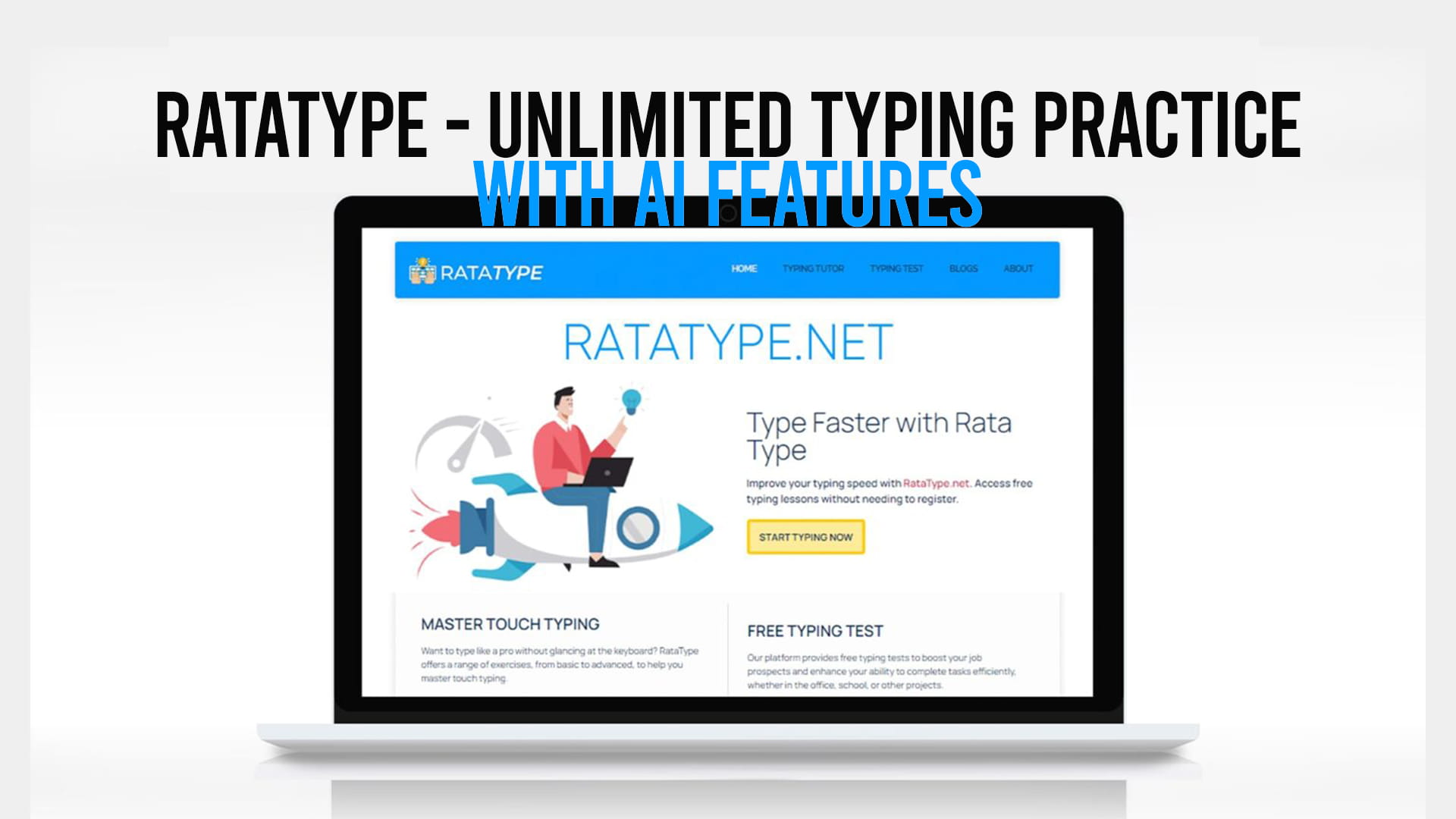
If you have ever watched someone type without looking at the keyboard — fingers moving fast, barely pausing, eyes locked on the screen — you probably thought one of two things. Either they were born with some gift you missed out on, or they put in the hours to actually learn it. The good news is that it is almost always the second one. And if you want that for yourself, Ratatype is one of the better places to start.
It is a free typing platform that has been around long enough to build a solid reputation, and it has recently added AI features that make the whole learning process less repetitive and more responsive to where you actually struggle. This article covers everything you need to know — how it works, what makes it different, who it is for, and why a free typing certificate with no registration required is a bigger deal than it might sound.
What Is Ratatype?
Ratatype is an online platform built for one purpose: helping people type faster and more accurately. It is not trying to be a productivity suite or a learning management system. It does one thing and does it well.
The platform works on a browser — no downloads, no installs. You go to the site, start typing, and the system immediately starts tracking your speed in words per minute (WPM) and your accuracy as a percentage. From there, it builds a picture of where you are weakest and pushes you toward lessons that address those specific gaps.
It is used by students, professionals, people returning to the workforce after a break, writers who are tired of hunting for keys, and developers who want their hands to keep up with their brains. The range of users is wide because typing is one of those skills that applies to almost every modern job.
The Core Features That Actually Matter
Structured Typing Lessons
Ratatype starts with the basics and works outward. If you have never properly learned touch typing — the method where each finger has assigned keys and you never look down — the lessons walk you through it step by step.
The course starts with the home row keys (A, S, D, F and J, K, L, semicolon), which is where your fingers rest when you are not typing. Each lesson adds new keys gradually, building muscle memory before moving on. This is not the fastest way to become a better typist in the first week. But it is the right way to build a foundation that actually sticks.
Each lesson is short enough to complete in a few minutes. That matters because the biggest reason people abandon typing practice is that it feels like a time commitment. When you can get a real session done in under five minutes, it is much easier to find the time consistently.
Real-Time Feedback While You Type
One of the more useful things Ratatype does is show you errors in the moment. When you mistype a character, the interface highlights it immediately. You do not finish a lesson and then find out you were making the same mistake 40 times — you see it as it happens.
This is more useful than it sounds. Most typing errors are habitual. Your left pinky reaches for a key that is slightly too far, or you hit two keys at the same time when your fingers move fast. Real-time feedback interrupts the habit before it gets reinforced. Over time, your error rate drops not because you are being more careful, but because the correct movement has become the automatic one.
Typing Tests
Separate from the lessons, Ratatype offers standalone typing tests. These are timed — typically one minute — and they give you a clean read on your WPM and accuracy then.
A lot of people use these tests to track progress. You take one when you start, keep practicing, and take another test a few weeks later. Seeing the numbers improve is genuinely motivating. Most beginners sit somewhere between 30 and 50 WPM. After consistent practice with Ratatype, getting to 60 or 70 WPM within a month is realistic for most people. Professional typists tend to operate at 80 to 100 WPM or higher, which is achievable with sustained practice.
The tests also work as a warm-up. If you have an important document to write or a long coding session ahead of you, running a quick typing test gets your fingers loose and your brain in the right mode.
The AI Features: What They Add
This is where Ratatype has evolved beyond what most basic typing platforms offer.
Adaptive Learning Based on Your Weaknesses
Traditional typing practice gives everyone the same lessons in the same order. That works, but it is inefficient. If you already type common words quickly and accurately, spending time on them again does not help much. What you need is more time on the specific keys or combinations that slow you down.
Ratatype’s AI layer tracks exactly where your performance drops. If you consistently fumble the transition from the letter “b” to the letter “n,” or if numbers and symbols reliably cut your speed in half, the system starts pushing content that includes those patterns more often. Your practice time gets spent where it counts.
This makes a real difference for people who have been typing for years but have never formally learned. They often have very uneven skill profiles — fast on the keys they use most, slow on the ones they rarely need. AI-adaptive practice corrects the uneven spots more efficiently than any fixed course can.
Personalized Practice Sequences
Related to adaptivity is the ability to generate practice sequences that fit your current level and goals. Rather than picking a random lesson, the AI can suggest what to work on next based on where your accuracy and speed most need attention.
For someone learning from scratch, this keeps the difficulty curve reasonable — not so easy that you zone out, not so hard that you get frustrated and quit. For experienced typists trying to break through a plateau, it provides focused drills on the specific weaknesses that are holding them back.
Progress Tracking Over Time
The AI features also include better progress tracking. You can see how your WPM and accuracy have changed across sessions, which keys or patterns still give you trouble, and roughly how long it might take you to reach a particular goal at your current rate of improvement.
This kind of data is useful because improvement in typing is slow enough that you might not notice it day to day. Looking at a graph that shows your WPM three weeks ago versus today makes the work feel worth it.
The Free Certificate — No Registration Required
This is worth spending some time on because it is genuinely unusual.
Most online platforms that offer certificates require you to create an account. Some require payment. A few require both. Ratatype gives you a real typing certificate — showing your name, your WPM, and your accuracy — without making you sign up for anything.
You complete the typing test, enter the name you want on the certificate, and it is generated immediately. You can download it, print it, or share it. The whole process takes about five minutes.
Why does this matter? A few reasons.
First, it lowers the barrier to entry completely. There is nothing to lose. You are not handing over an email address or agreeing to marketing messages. You just type and get a result.
Second, the certificate has real practical use. Job applications increasingly include a typing speed requirement, especially for roles in data entry, customer service, administrative work,
transcription, and many types of remote work. Having a document that shows a verified WPM and accuracy score is more useful than saying “I type pretty fast” in an interview.
Third, it signals something about how Ratatype operates. They are not using the certificate as a gimmick to collect user data. The free certificate is just free. The platform earns trust by being straightforward about what it offers.
Who Gets the Most Out of Ratatype
Students
Students type constantly — notes, essays, assignments, emails, messages. The difference between typing at 40 WPM and 70 WPM is not just speed; it is mental overhead. When typing is slow and awkward, part of your brain is always managing the physical process instead of the content. Better typing frees up cognitive space.
Ratatype’s short lessons fit easily into a study schedule. Even 10 minutes a day adds up quickly. Most students see noticeable improvement within two to three weeks of consistent practice.
Job Seekers and Career Changers
For anyone entering or re-entering the workforce, typing speed is often a listed requirement. Many employers use a simple WPM test as a screening filter. Ratatype is a free, practical way to prepare for those tests and to earn documentation of your results.
The free certificate is especially relevant here. You can print it, attach it to an application, or bring it to an interview. It shows you took the time to practice and verify your results — which is, frankly, more than most applicants do.
Remote Workers
Remote work typically involves more written communication than office work. More emails, more messages, more documentation. Typing speed matters more when most of your communication happens through text. A few weeks of focused practice on Ratatype can noticeably reduce the time you spend on routine written tasks.
Writers and Content Creators
Writers who have learned to type fast describe it as removing a bottleneck between thinking and output. When your fingers keep up with your thoughts, you can get first drafts down quickly and spend your editing time on the writing itself rather than the mechanics of getting words onto a screen.
Ratatype’s practice texts include enough variety that sessions stay interesting. You are not just typing “the quick brown fox” over and over.
Developers and Programmers
Code involves a lot of symbols, brackets, and punctuation that most people rarely type in everyday use. The keys that slow developers down the most are often these: backtick, semicolon, curly braces, pipe, underscore. Ratatype includes practice sets that cover these characters, and the AI features will push you toward them if that is where your accuracy dips.
How to Get Started
Getting started on Ratatype takes about two minutes.
You go to Ratatype, and from the main page you have a choice: start with a lesson from the beginning, jump to a specific lesson in the course, or go straight to a typing test to see where you currently stand.
For most beginners, the typing test is a good first step. It gives you a baseline number — your current WPM and accuracy — that you can return to later to measure progress. Then you start at lesson one of the course and work forward. The lessons are labeled clearly, and the interface shows you which ones you have completed and which ones still need work.
There is no account required to practice. You can come back any time and pick up where you left off. If you want to save your progress long-term, creating a free account does that. But it is optional, not mandatory.
The certificate is available at any point. You do not need to finish the course first. If you want to take a typing test and get a certificate today, you can do that on your first visit.
What Ratatype Does Better Than Most Free Alternatives
There are other free typing platforms. Some have been around just as long as Ratatype. A few offer similar lesson structures. So what sets Ratatype apart?
The AI features are the most recent and significant difference. Most competing platforms use fixed lesson progressions. You do lesson one, then lesson two, whether or not lesson one was hard for you. Ratatype’s adaptive approach means your time goes where it is actually needed.
The interface is also cleaner than most. Some typing platforms have become cluttered with ads, banners, and popups that interrupt the practice experience. Ratatype keeps things simple. The focus is on the typing area, not on everything around it.
The certificate being genuinely free and genuinely fast is unusual. Getting a verifiable credential for a skill in under five minutes, with no account required, is not something many platforms offer.
And the speed is good. The platform loads quickly, the lessons start immediately, and there is no friction between arriving on the site and actually typing. That sounds basic, but when you are trying to build a daily practice habit, small amounts of friction really do get in the way.
A Few Practical Tips for Making Progress
Practice daily, even briefly. Ten minutes every day beats sixty minutes on Saturday. Typing is a motor skill. Motor skills improve through repetition spread out over time, not through marathon sessions.
Do not practice through errors. When you start making mistakes because you are trying to type faster than you currently can, slow down. Speed comes from accuracy, not the other way around. If you practice speed while making errors, you are training bad habits into your muscle memory.
Track your numbers. Use Ratatype’s progress data to check in every week. Seeing improvement in your WPM, even by five or ten words per minute, makes the practice feel worth doing. If your numbers are not moving, check whether you are actually spending time on your weak keys — that is usually where the bottleneck is.
Use the certificate as a goal. Give yourself a target WPM, whether that is 50, 60, or 80. Work toward it. When you hit it, generate the certificate. Having a concrete goal makes the practice more purposeful than just typing for its own sake.
The Bottom Line
Ratatype is not flashy. It does not promise to make you a professional typist in a week or claim its AI will do the work for you. What it does is give you a well-designed, genuinely free platform with adaptive features that make your practice time more efficient than most alternatives.
The free certificate with no registration is a real differentiator. The AI-driven adaptivity is a genuine improvement over fixed lesson courses. The interface gets out of your way and lets you focus on the actual task.
If you type on a keyboard regularly — for work, school, writing, or anything else — spending a few weeks with Ratatype will make that time noticeably more productive. There is no cost to trying it. You can get a certificate on your first visit without creating an account. And the improvement, if you put in consistent daily practice, is real and measurable.
That is about as low-risk as skill development gets.