
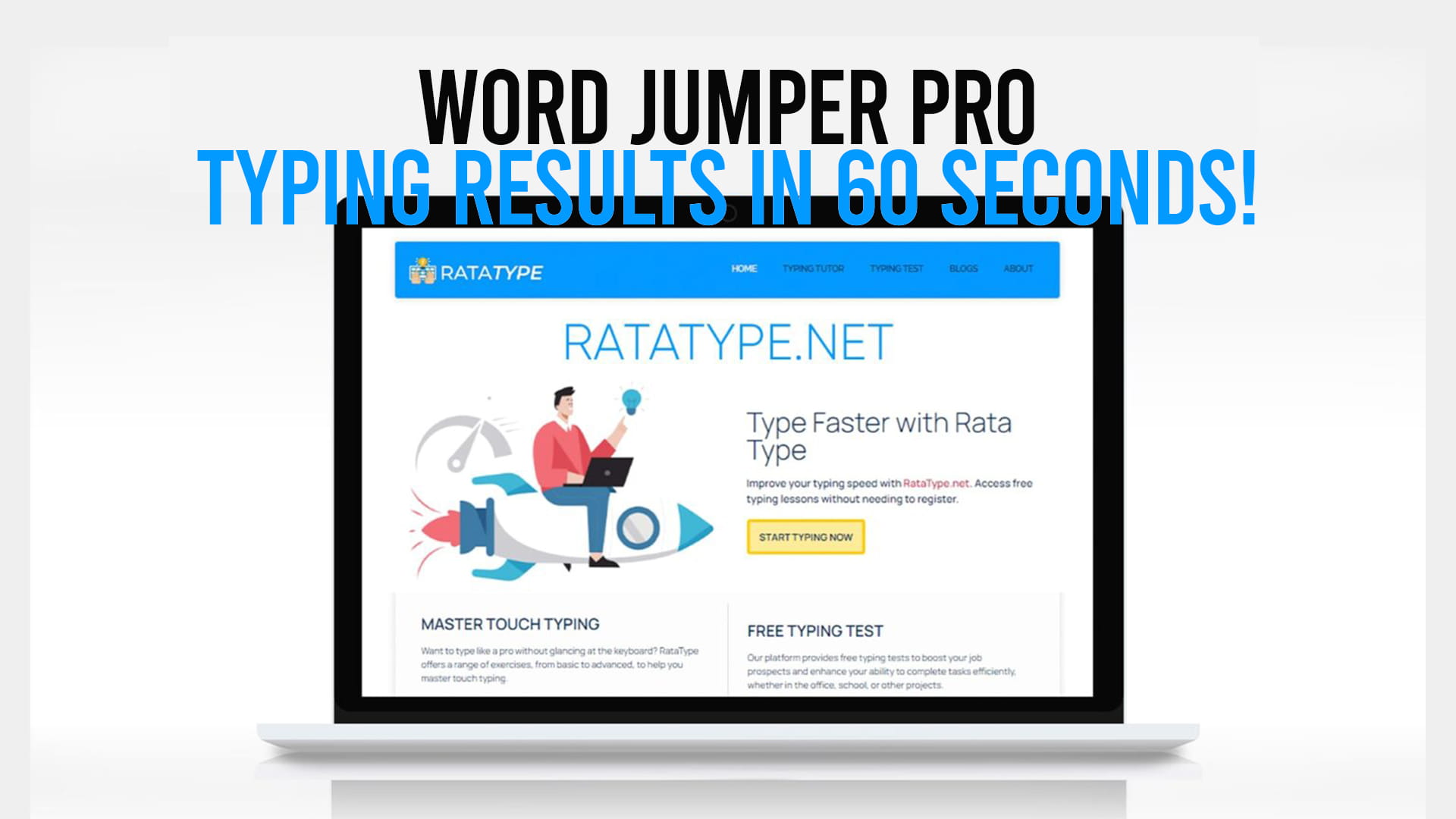
Are you looking for a fun and engaging way to improve your typing speed and accuracy? Word Jumper Pro is an innovative online typing speed game that challenges your fingers to keep pace with your mind. Whether you’re a student, a professional, or someone who simply wants to enhance your keyboard skills, this game offers an exciting platform to test and improve your typing abilities in just sixty seconds.
In today’s digital world, typing speed has become an essential skill. From students taking online exams to professionals working in offices, the ability to type quickly and accurately can make a significant difference in productivity and efficiency. Word Jumper Pro recognizes this need and provides a dynamic gaming experience that makes learning and improving your typing skills enjoyable and rewarding.
What Is Word Jumper Pro?
Word Jumper Pro is an online typing game designed to help users of all skill levels increase their words per minute count while maintaining accuracy. The game works on a simple but effective principle: you’re given sixty seconds to type as many words as possible while making sure they are correct. This time-based challenge creates a sense of urgency that motivates players to push their limits and improve their typing performance with each attempt.
The game features a clean, user-friendly interface that makes it easy for anyone to understand the rules and start playing immediately. You don’t need any special software or complicated setup procedures. Simply open your web browser, navigate to the platform, and you’re ready to begin your typing journey. The straightforward approach of Word Jumper Pro makes it accessible to beginners while still providing a challenging experience for advanced typists.
How Does Word Jumper Pro Work?
Understanding the mechanics of Word Jumper Pro is straightforward. When you start a game, you’ll see a series of words displayed on your screen. Your task is to type these words as quickly and accurately as possible within the sixty-second time limit. The game tracks both your typing speed and your accuracy, giving you immediate feedback on your performance.
The interface displays a timer that counts down from sixty seconds, so you always know how much time you have remaining. As you type each word correctly, it’s counted toward your total score. If you make a mistake, the game may penalize you depending on the specific rules of the version you’re playing. This immediate feedback system helps you understand your strengths and weaknesses, allowing you to focus on areas that need improvement.
After each game session, Word Jumper Pro provides detailed statistics about your performance. You’ll see your words per minute count, your accuracy percentage, and other metrics that help you track your progress over time. This data-driven approach motivates players to keep improving and beating their personal records.
Why Is Typing Speed Important?
In our increasingly digital society, typing speed has evolved from a nice-to-have skill into a necessity. Students use computers for research, writing assignments, and online communication. Office workers spend hours typing emails, reports, and spreadsheets. Content creators rely on their typing speed to produce material efficiently. Even casual internet users benefit from being able to type quickly and accurately when communicating online.
Research has shown that typing speed directly correlates with productivity. People who can type faster complete their work in less time, leaving them with more hours for other important tasks. Additionally, accuracy matters just as much as speed. Fast typing combined with numerous errors means you’ll spend time correcting mistakes, ultimately wasting the time you gained through your speed.
Word Jumper Pro addresses both aspects of skilled typing. By practicing with this game, you develop muscle memory that allows your fingers to find the correct keys without requiring conscious thought. This automaticity is what separates fast typists from slow ones. The more you play, the more natural typing becomes, and the less mental energy you need to expend on the physical act of typing.
The Benefits of Playing Word Jumper Pro
Playing Word Jumper Pro offers numerous advantages beyond simply having fun. Here are some key benefits that make this typing game worth your time and attention.
Improved Typing Speed: The primary benefit of Word Jumper Pro is that it helps you type faster. By challenging yourself to complete words in sixty seconds, you gradually condition your fingers and mind to work more quickly together. Your words per minute count will increase as you practice regularly.
Enhanced Accuracy: Speed without accuracy is counterproductive. Word Jumper Pro encourages you to type both quickly and correctly. This balance between speed and precision helps you develop the muscle memory needed to type accurately without looking at the keyboard.
Better Focus and Concentration: Typing games require your full attention. Playing Word Jumper Pro helps you develop better concentration skills as you focus on the words appearing on your screen and the keyboard beneath your fingers. This improved focus can have positive spillover effects in other areas of your life.
Stress Relief: Contrary to what you might expect, the fast-paced nature of Word Jumper Pro can actually be stress-relieving. The game provides a fun outlet for mental energy and offers a sense of accomplishment when you complete a successful round or beat your previous score.
Competitive Motivation: Many typing games, including Word Jumper Pro, feature leaderboards or scoring systems that allow you to compete with other players. This competitive element motivates many people to practice more consistently and push themselves harder than they might otherwise.
Free Certificate Opportunity: One unique advantage of practicing through Ratatype, the platform behind Word Jumper Pro, is that you can earn a free Certificate without any registration required. This certificate serves as proof of your typing skills and can be valuable for job applications, school applications, or personal portfolio purposes.
Who Can Benefit from Word Jumper Pro?
Word Jumper Pro is designed for a wide range of users, each with different motivations for improving their typing skills.
Students: High school and college students can benefit significantly from improved typing speed. Whether they’re writing essays, taking online exams, or conducting research, faster typing means completing assignments more efficiently. Students can also use their free Ratatype Certificate to include on college applications or resumes.
Job Seekers: Many employers value typing speed as a qualification, particularly for administrative positions, data entry roles, or customer service positions. Practicing with Word Jumper Pro and obtaining a free Certificate from Ratatype can strengthen job applications and demonstrate commitment to professional development.
Professionals: Office workers, writers, programmers, and professionals in numerous fields can increase their productivity by improving their typing speed. Even small increases in typing speed can save significant amounts of time over the course of a year.
Teachers: Educators can recommend Word Jumper Pro to their students as an engaging way to improve typing skills. The game format makes learning fun rather than feeling like a chore.
Non-Native English Speakers: People learning English as a second language can use typing games to practice spelling, vocabulary, and keyboard familiarity simultaneously. The game provides a low-pressure environment for language practice.
Casual Users: Even people who simply want to improve their computer skills for personal use can benefit from playing Word Jumper Pro regularly. Better typing skills enhance the overall computing experience.
Getting Started with Word Jumper Pro
Starting your typing improvement journey with Word Jumper Pro is incredibly easy. The platform is designed to get you typing within seconds, without complicated registration processes or technical requirements.
To begin, visit Ratatype through your web browser. You’ll find the Word Jumper Pro game available as one of the typing challenges. The interface is intuitive, with clear instructions displayed before you start playing. You can jump right into a game without creating an account if you prefer, though creating an account allows you to track your progress over time.
Once you start a game, familiarize yourself with the layout of the keyboard if you’re still learning it. Many new players benefit from trying to use the proper touch-typing technique, where your fingers rest on the home row, and you avoid looking at the keyboard. This technique takes practice to develop, but it significantly increases typing speed once mastered.
Strategies for Improving Your Typing Speed
While Word Jumper Pro is engaging on its own, understanding some basic strategies can help you improve faster.
Practice Regularly: Like any skill, typing improves with consistent practice. Setting aside even fifteen minutes daily for typing practice can lead to noticeable improvements within weeks. Regular practice helps develop and reinforce muscle memory.
Focus on Accuracy First: Many people make the mistake of trying to type as fast as possible from the beginning. This often leads to developing bad habits and making numerous errors. Instead, focus on accuracy first. Speed naturally follows as you become more familiar with the keyboard layout and proper technique.
Learn Touch Typing: Touch typing, also called touch-type, is the method of typing without looking at the keyboard. This technique allows faster, more accurate typing because your fingers know where each key is located. Learning touch typing initially takes time, but it’s a worthwhile investment that pays dividends throughout your life.
Take Breaks: Typing for extended periods without breaks can lead to fatigue and reduced performance. Take short breaks between games to rest your eyes and fingers. This approach often leads to better results than pushing yourself to exhaustion.
Analyze Your Mistakes: When you make errors, pay attention to which keys or key combinations are causing problems. Are you consistently misspelling certain words? Are specific key combinations challenging? By identifying patterns in your mistakes, you can focus your practice on improving those specific areas.
The Free Certificate Advantage
One distinctive feature of using Ratatype for your typing practice is the opportunity to earn a free Certificate without registration. This certificate is more than just a nice achievement to celebrate; it’s a legitimate credential that you can display on your resume, LinkedIn profile, or portfolio.
The free Certificate from Ratatype demonstrates to employers, educators, and others that you’ve achieved a certain level of typing proficiency. In competitive job markets, every credential counts. A typing certificate shows that you’ve invested time in developing your skills and that you’ve achieved measurable results. This can be particularly valuable for positions that require substantial keyboard work.
Obtaining your free Certificate is straightforward. As you progress through typing games and challenges on Ratatype, including Word Jumper Pro, you accumulate data about your typing performance. Once you’ve demonstrated sufficient skill, you can request your free Certificate. There’s no additional cost, no complex application process, and no registration requirements for obtaining it.
Tips for Maximizing Your Experience with Word Jumper Pro
To get the most out of your Word Jumper Pro experience, consider these helpful tips.
Set Realistic Goals: Don’t expect to double your typing speed overnight. Set incremental goals that are challenging but achievable. Celebrating small improvements keeps you motivated for long-term progress.
Play with Purpose: Rather than mindlessly clicking through games, approach each session with intention. Are you trying to increase your speed? Improve your accuracy? Master a particular type of word or key combination? Having a specific focus makes your practice more effective.
Customize Your Settings: Many typing games, including those on Ratatype, allow you to customize your experience. You might adjust the difficulty level, the type of words used, or other parameters to match your current skill level and learning goals.
Use Multiple Typing Games: While Word Jumper Pro is excellent, practicing with different typing games on Ratatype can keep things fresh and target different aspects of your typing skills. Variety in your practice routine prevents boredom and promotes comprehensive skill development.
Track Your Progress: Keep records of your typing speed and accuracy over time. Seeing tangible improvements in your statistics provides motivation and helps you understand which practice methods work best for you.
Why Choose Ratatype for Your Typing Practice?
While numerous typing games exist online, Ratatype stands out as a comprehensive platform for improving your typing skills. The platform offers multiple games and challenges that target different aspects of typing proficiency. Word Jumper Pro is just one of the engaging options available.
Ratatype provides a structured learning environment where you can progress through different levels and challenges as your skills improve. The platform also maintains detailed statistics and progress tracking, allowing you to see exactly how much you’ve improved over time. Additionally, the free Certificate available through Ratatype has real value in professional and educational contexts.
The community aspect of Ratatype also deserves mention. Many users find motivation in competing with other players, participating in challenges, and working toward shared goals. This social element transforms what could be a solitary activity into something more engaging and fun.
Common Typing Mistakes and How to Avoid Them
Understanding common typing mistakes can help you avoid developing bad habits that become difficult to break later.
Looking at the Keyboard: This is probably the most common mistake beginners make. Looking at the keyboard while typing slows you down and prevents you from developing proper touch-typing skills. Train yourself to keep your eyes on the screen or the material you’re typing from, not on your hands.
Incorrect Posture: Proper posture is important for both comfort and typing speed. Sit with your back straight, your elbows at a ninety-degree angle, and your wrists relatively straight. Good posture reduces fatigue and helps you type for longer periods without discomfort.
Using Only a Few Fingers: Some people have learned to type using just a few fingers, hunting and pecking rather than using all ten fingers. While this method works, it severely limits your typing speed. Learning to use all your fingers according to proper touch-typing technique is worth the initial effort.
Ignoring Accuracy: Typing fast is meaningless if you have to correct numerous errors. Focus on accuracy even if it means typing more slowly initially. Your speed will naturally increase as you become more comfortable with the keyboard.
Neglecting Regular Practice: Typing skills, like all skills, require consistent practice to maintain and improve. If you take long breaks between typing sessions, you might find that your skills have declined slightly. Regular practice keeps your skills sharp.
The Psychology Behind Typing Games
Understanding why typing games like Word Jumper Pro are so effective can help you appreciate the experience and get more from it. The sixty-second time limit creates a sense of urgency that pushes you to perform at your peak. The immediate feedback provided by the game helps your brain understand which actions lead to success. The scorekeeping and competitive elements tap into our natural desire for achievement and improvement.
The gamification of typing practice makes an otherwise mundane activity into something engaging and fun. This transformation is powerful because it means you’re more likely to practice consistently. When something is fun, you want to do it more often, which accelerates your skill development.
Conclusion
Word Jumper Pro, available on Ratatype, represents an excellent opportunity to improve your typing speed and accuracy in an enjoyable, engaging environment. Whether you’re a student looking to enhance your academic productivity, a professional seeking to boost your workplace efficiency, or simply someone interested in developing a valuable life skill, this typing game has something to offer.
The benefits extend beyond just typing faster. You’ll develop better focus, improved muscle memory, and a sense of accomplishment as you watch your statistics improve over time. The opportunity to earn a free Certificate without registration adds tangible value to your practice efforts, giving you a credential you can share with employers or educators.
Starting your typing improvement journey is simple. Visit Ratatype and begin playing Word Jumper Pro today. With consistent practice, dedication, and a focus on both speed and accuracy, you’ll be amazed at how much your typing skills improve. Every person has the potential to become a faster, more accurate typist, and Word Jumper Pro provides the perfect platform to unlock that potential. Your fingers are ready to jump into action—it’s time to take the challenge and prove what you can accomplish in sixty seconds.